AI Document Automation: How to Turn PDFs into Data and Integrate Them with Your Systems
Commercial Invoices, Packing Lists, Bills of Lading, purchase orders, certificates, tax documents, and many other files are part of everyday business operations.
Most of these documents already arrive digitally.
Yet what happens next is often still manual.
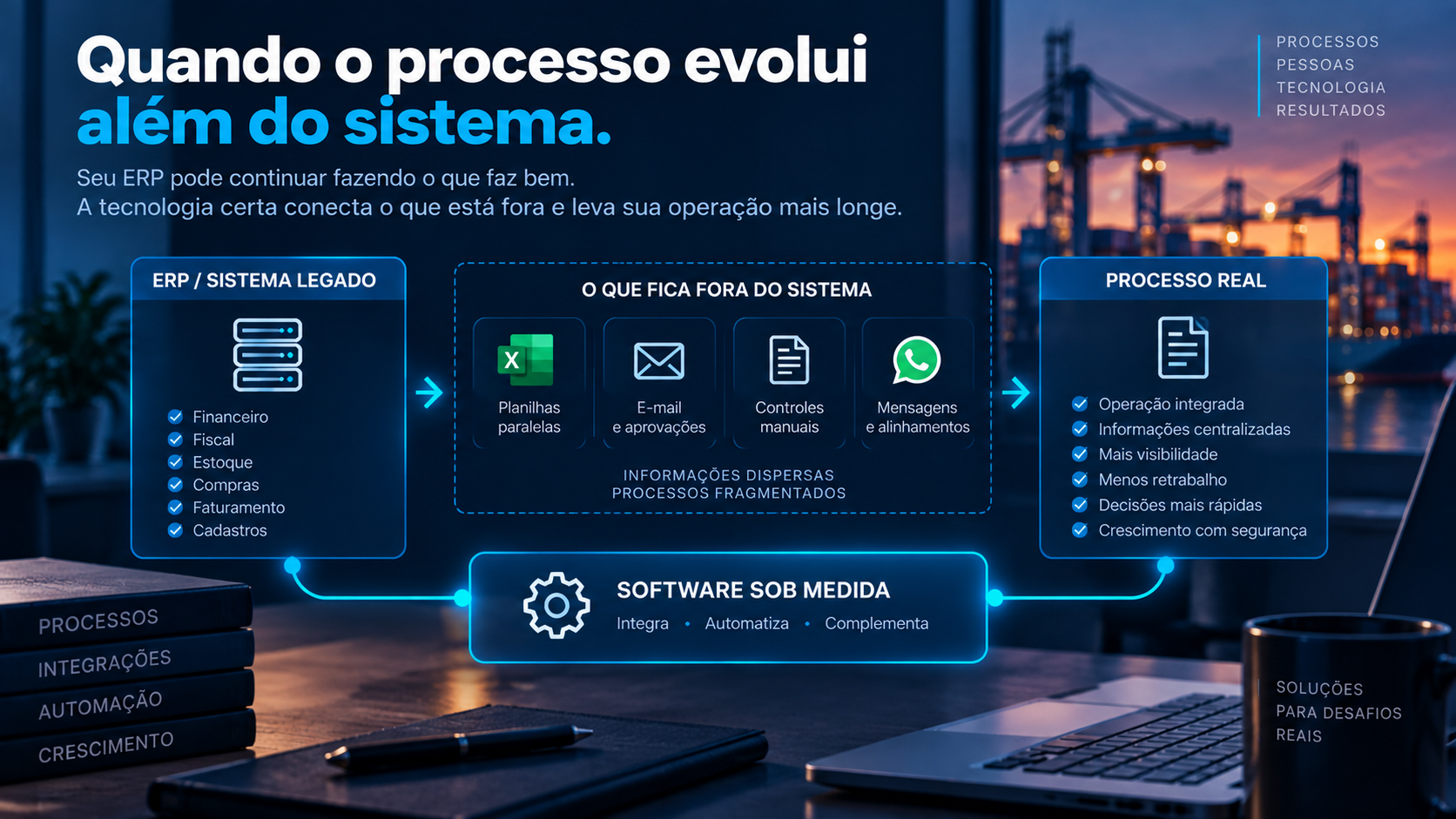
Someone opens the PDF, searches for the required information, copies the data, checks the values, and enters everything again into a spreadsheet, ERP, or another business system.
The document is digital.
But the work required to turn its content into usable information may still be manual.
This is where AI document automation can create significant value.
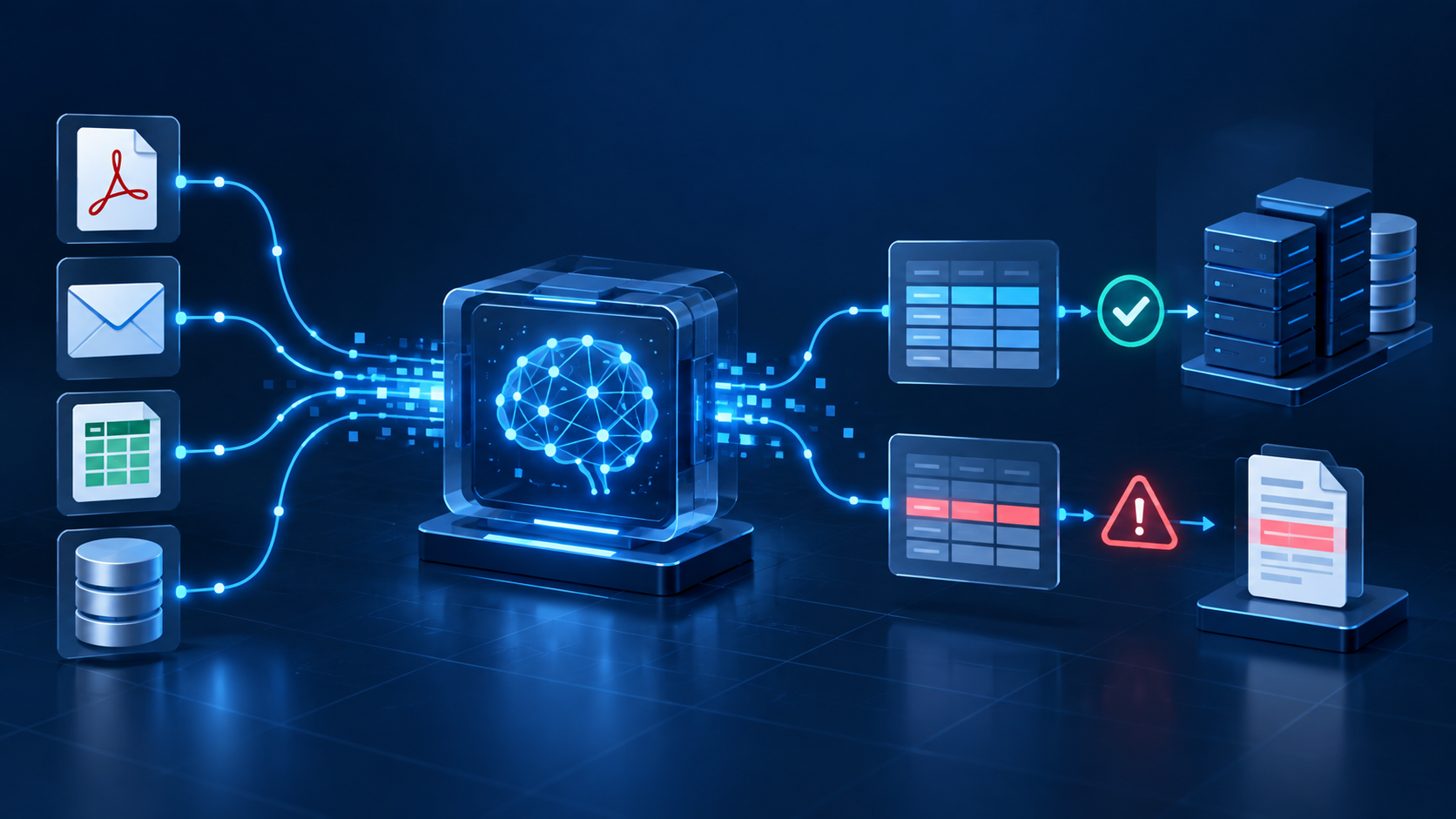
Artificial intelligence and document processing technologies can interpret documents, extract relevant information, and transform unstructured content into structured data that can be validated, integrated, and used by other systems.
But data extraction is only the beginning.
A PDF is not necessarily structured data
For a person, looking at a Commercial Invoice and identifying the supplier, invoice number, currency, and total value may seem simple.
For a system, the situation is different.
A document may contain text in different positions, tables, images, headers, variable fields, and layouts that change from one supplier to another.
Receiving a digital document therefore does not necessarily mean its information is available as structured data.
In practice, many workflows still look like this:
PDF → person → reading → data entry → checking → system
This process consumes time and creates opportunities for typing errors, missing information, and rework.
With document automation, the workflow can begin to change:
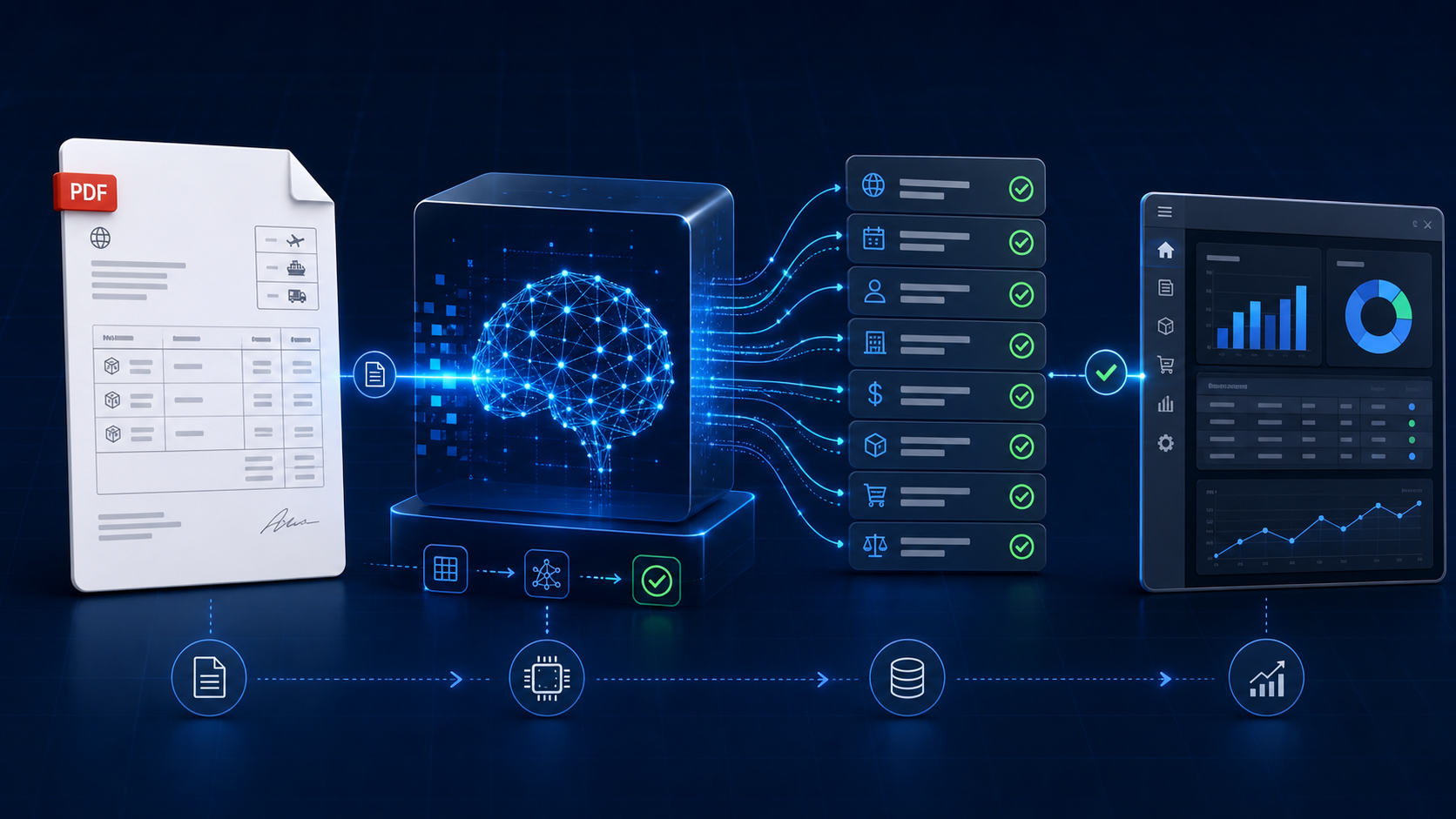
Document → AI → structured data → validation → system
People remain part of the process, but their attention can be focused primarily on situations that actually require analysis.
What is AI document automation?
Document automation uses technology to reduce manual work involved in reading, classifying, extracting, validating, and processing documents.
Artificial intelligence extends this capability by interpreting documents that do not necessarily follow one rigid layout.
Instead of creating a specific rule for the exact location of every field in every document template, AI-powered solutions can identify the meaning of the content.
For example, from a Commercial Invoice, a solution may identify:
- supplier;
- invoice number;
- date;
- currency;
- Incoterm;
- total value;
- freight;
- country of origin;
- products;
- quantities;
- unit prices.
The result is no longer simply a PDF that a person can read.
It becomes structured information that other systems can use.
Data extraction is only the first step
This is one of the most important points in document automation projects.
Imagine that AI has correctly identified:
Supplier: ABC Trading
Invoice: INV-4587
Currency: USD
Value: 25,000
Incoterm: FOB
Technically, the information has been extracted.
But the process is not complete.
Now other questions need to be answered.
Does the supplier exist in the system?
Is the currency valid?
Has this invoice number already been registered?
Does the value match what was expected?
Are any required fields missing?
Does the product match an existing item?
Is there a discrepancy with another document?
Which system should receive this information?
What should happen if a validation fails?
This is where an artificial intelligence demonstration begins to become a business solution.
Document → AI → validation → system → action
A more complete document automation workflow can be divided into five stages.
1. Document
The process begins when the file enters the operation.
It may arrive through an upload, email, portal, integration, or another channel.
The system may also need to identify the document type automatically.
2. Artificial intelligence
Technology interprets the content and identifies relevant information.
Depending on the project, this may involve OCR, AI models, and other document processing technologies.
The goal is to transform unstructured content into structured information.
3. Validation
Once the data has been extracted, business rules determine whether it can be used.
For example:
- are required fields present?
- are values in a valid format?
- is the supplier registered?
- has the product been identified?
- are totals consistent?
- are there discrepancies between documents?
- does any information require review?
This validation layer is essential for reliable automation.
4. Integration
Once validated, the data can be sent to the appropriate business system.
This may happen through APIs, integrations, or other system-to-system communication methods.
Destinations may include:
- ERP;
- management platforms;
- international trade systems;
- CRM;
- TMS;
- WMS;
- financial systems;
- databases;
- custom applications.
The information no longer remains isolated in the extraction stage.
5. Action
Finally, the data can trigger an action.
A record can be created.
A process can be updated.
A discrepancy can generate an alert.
A document can be sent for approval.
A task can be created.
Another system can be updated.
This is where automation begins to create operational impact.
Where can document automation be applied?
The possibilities depend on each company’s processes.
Some examples include:
Commercial Invoices
Extracting suppliers, invoice numbers, dates, currencies, values, products, quantities, and commercial terms.
Packing Lists
Identifying packages, weights, dimensions, products, batches, and packaging information.
Bills of Lading and Air Waybills
Extracting shipment data, origin, destination, carrier, container, weight, and other logistics information.
Purchase Orders
Identifying suppliers, products, quantities, prices, and terms.
Tax and commercial documents
Extracting and validating fiscal, financial, and commercial information.
Certificates and regulatory documents
Identifying numbers, dates, expiration information, products, and other relevant data.
These are only examples.
The main opportunity is usually found in documents that require frequent reading followed by manual data entry or checking.
Can AI compare documents?
In certain scenarios, yes.
Once documents have been transformed into structured data, information from different sources can be compared, helping teams avoid errors in import documents.
Imagine an international trade operation containing:
- Proforma Invoice;
- Commercial Invoice;
- Packing List;
- Bill of Lading.
Some information may appear in more than one document.
Rules can identify differences in values, quantities, weights, document numbers, or other relevant fields.
This does not mean every decision should be automated.
Technology can identify the discrepancy and direct it to a person for review.
Instead of manually checking every field in every document, professionals can focus primarily on exceptions.
The role of people changes
Automation is sometimes understood as removing people completely from a process.
That does not always need to be the objective.
In many operations, one of the best uses of technology is automatically separating what is normal from what requires human judgment.
Machines can handle repetitive work.
People can analyze exceptions.
For example:
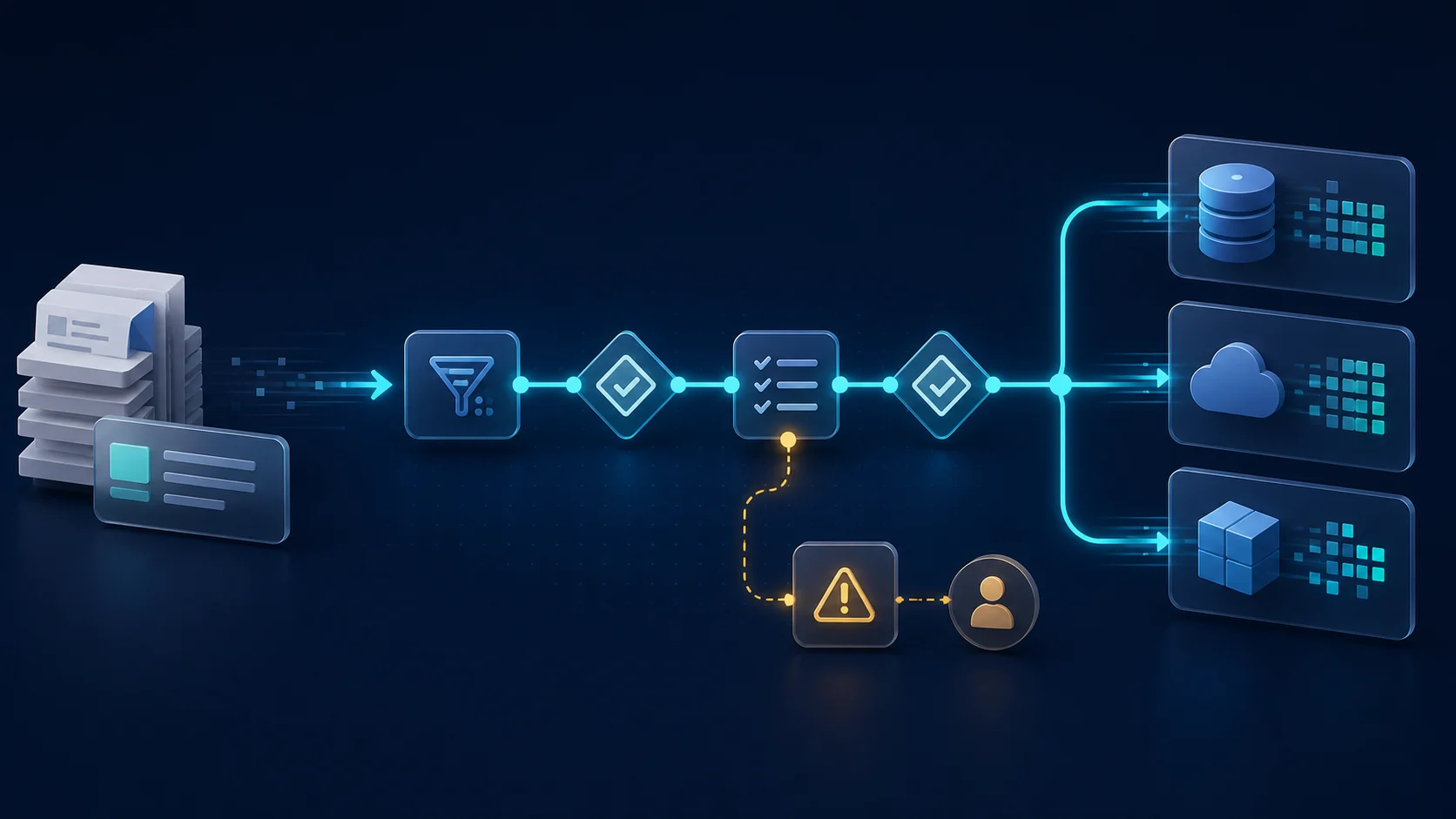
Document received
↓
Data extracted
↓
Validations performed
↓
Everything correct?
Yes → process continues
No → responsible person reviews
This approach allows companies to make better use of their teams’ expertise.
Specialized professionals spend less time copying information and more time analyzing, negotiating, solving problems, and making decisions.
Document automation in international trade
International trade is particularly well suited to document automation because documents are present throughout the operation.
A single process may involve Commercial Invoices, Packing Lists, Bills of Lading, certificates, tax documents, licenses, and many other sources of information.
At the same time, this data needs to move between suppliers, importers, exporters, freight forwarders, customs brokers, carriers, ERPs, and specialized platforms.
When that communication depends heavily on manual work, professionals effectively become the bridge between documents and systems.
Automation can reduce this dependency.
For example:
Invoice received
↓
AI identifies the data
↓
Business rules validate the information
↓
System is updated
↓
Discrepancies are sent for review
Technology does not replace international trade expertise.
It reduces the operational work required to move information through the process.
Which processes are good candidates for document automation?
Not every document needs to be automated.
Several indicators can help identify strong opportunities.
High volume
The more documents a company processes, the greater the potential benefit.
Repetitive data entry
If professionals constantly transfer information from documents into systems, there is a clear automation opportunity.
Relatively predictable documents
Even when layouts vary, documents containing semantically similar information can be good candidates.
Frequent validation
Processes where the same fields are repeatedly checked may benefit from automated business rules.
High cost of errors
When incorrect data entry can create operational or financial impact, automated validation may add significant value.
Integration with other systems
Benefits tend to increase when extracted data can automatically continue through the rest of the process.
How should you start a document automation project?
The first step should not be selecting an AI tool.
Start with the process.
Choose one document type and map:
- How does the document arrive?
- Who receives it?
- Which information is used?
- Where is that information entered?
- Which validations are performed?
- Which systems are involved?
- What happens when there is a discrepancy?
- What is the monthly document volume?
- How much time is currently spent on the process?
- Which errors occur most frequently?
Once these questions are answered, it becomes much easier to understand where AI, business rules, integrations, and software can be applied.
Don’t automate only the reading. Automate the process.
An AI system capable of reading a document can be impressive.
But business value appears when the extracted information can move forward.
A document automation strategy should therefore consider the entire workflow:
Document → interpretation → validation → integration → action
The question is not simply:
“Can AI read this PDF?”
The more important question is:
“What needs to happen with this information next?”
That answer is what turns artificial intelligence into automation.
AI, automation, and integration for international trade
Pixel8 develops software, integrations, automations, and AI-powered solutions for international trade operations.
We analyze how documents and information enter the process, which validations need to be performed, and how the resulting data can connect with the systems used by the company.
The objective is not simply to use artificial intelligence.
It is to apply technology to reduce manual work, connect information, and improve business processes.
Does your team receive documents and still need to manually enter their data into other systems?
There may be an opportunity for automation.
Talk to Pixel8 and tell us how your process works.